AppDeen AI · Brand
Brand guidelines.
00
Start here
Logo files, colour, type, characters, components, templates and motion for everyone building under the AppDeen AI name. Follow these eight steps on every platform, then run the checklist before you ship.
Load the fonts
Paste this into the
<head>of every page.Add tokens and components
Copy the kit's
assets/brandfolder to/assets/brand/. Loadtokens.cssbeforecomponents.css.Set the base
Put
ad-rooton<body>. Pages are dark. Wrap light sections inad-light.Install the icons
Copy the kit's
assets/iconsfolder to/assets/icons/, then paste this into<head>.Place the logo
Copy the kit's
assets/logofolder to/assets/logo/. Header: Horizontal, Full colour · dark, 24px tall on desktop and 20px on mobile, linked to the home page.Build from the components
Copy markup from chapter 06 as-is. Keep the class names. Change content only.
Make documents from the templates
Invoices, contracts, timelines, reports, letters and more are ready in chapter 07. Never design a document from scratch.
Credit the build
Every client platform carries the Powered by AppDeen AI badge in its footer, linked to appdeen.ai.
01
Logo
One mark, one wordmark, four lockups and five colourways. Always use the files from this kit. Never redraw, retype or recolour them.
Pick the colourway by background
Match the background first. The colourway follows.
Clear space and minimum size
Clear space on every side equals x, the diameter of the hole in the mark.
| Lockup | Screen min. | Print min. |
|---|---|---|
| Stacked | 72 px wide | 20 mm |
| Horizontal | 120 px wide | 30 mm |
| Mark | 16 px wide | 5 mm |
| Wordmark | 96 px wide | 25 mm |
- Header logo: Horizontal at 24px tall (20px on mobile).
- Clear space for the Horizontal lockup is x at its own scale, about 36% of its height.
- Below 120px wide, switch from Horizontal to Mark.
Icons and the glow mark
App icons, favicons and the cinematic glow mark. The glow mark is for hero sections on Void only.



Don't
Every one of these breaks the logo. If a layout needs one of them, change the layout.
02
Layers studio
Open any logo file layer by layer, the way you would in Figma. Select a layer to read its exact values, hide parts, then export just what you need as SVG, PNG or React.
Escselect frame↑↓move through layersHhide or show layerOoutline viewGclear-space guides
03
Colour
Dark first. Void and Navy carry the page, white carries every word, and the logo blue is the only blue. Click a swatch to copy its hex.
Brand
One blue: #2254F2, the blue in the logo, on light and on dark. Never a lighter or darker version of it, no light blue, no cyan. Tints are this blue at lower opacity.
Neutrals
Status
For product UI states only. Never decorative.
Gradients
Two, both for backgrounds. Never on text.
Proportion
How much of each colour a typical screen shows.
Text on colour
Measured WCAG contrast. Body text needs AA (4.5:1).
Aa
On Void, Navy and Panel: white text.Always #FFFFFF. Never grey. Use size and weight for hierarchy.
Aa
Blue text on dark: 24px and up only.Headlines, numerals, the logo and icons. Smaller text stays white. The dark neutrals carry no blue, so the logo blue stands out.
Aa
On Paper and white: Navy text.Links and accents in AppDeen Blue. Captions stay Navy, just smaller.
Aa
On AppDeen Blue: white only.No other text colour on blue.
04
Typography
Three families from Google Fonts. Archivo Expanded speaks, DM Sans explains, Space Mono labels.
Aa
Archivo Expanded
Display. Headlines, numbers, names. Width 125, weights 700 and 800.
ABCDEFGHIJKLM abcdefghijklm 0123456789
Aa
DM Sans
Text. Paragraphs, UI, buttons, anything read as a sentence.
ABCDEFGHIJKLM abcdefghijklm 0123456789
Aa
Space Mono
Labels. Eyebrows, tags, data, code. Always uppercase for labels.
ABCDEFGHIJKLM abcdefghijklm 0123456789
Arabic · Readex Pro
All Arabic text, display and body. Weights 400, 600, 700. Set dir="rtl" on the page, mirror layouts and arrows, keep the logo as it is.
موظفو الذكاء الاصطناعي
أبجد هوز حطي كلمن سعفص قرشت ثخذ ضظغ · ٠١٢٣٤٥٦٧٨٩
Type scale
Ten styles. Sizes are fluid where marked. Copy the CSS class or the values.
Rules
- Headlines in Archivo Expanded, sentence case, tight tracking as specified.
- Sentences in DM Sans. Never set a paragraph in Archivo or Space Mono.
- Labels, tags, status and data in Space Mono uppercase with 0.14em tracking.
- Lines of body text stay under 65 characters.
- Emphasis: set the phrase in Archivo 700 in AppDeen Blue. On dark, only at 24px and up. No italics.
- Highlight: set the last phrase of a display headline in AppDeen Blue, like the “AI” in the logo. No gradient text.
- One display-size headline per screen.
- Never letter-space a sentence. Never use a font outside these three (plus Readex Pro for Arabic).
Typography art
Four typographic devices that make a page feel like AppDeen. Use one per page.
We don’t rent agents.We rent experience.
Strike and rewrite
Most AI decays. Ours compounds.
Blue close
03Chapter
three
three
Chapter numeral
AI Employees/Google Ads/AI SEO/Voice Agents/eCommerce AI/BI Dashboards/AI for Schools/AI Employees/Google Ads/AI SEO/Voice Agents/eCommerce AI/BI Dashboards/AI for Schools/
Mono ticker
05
Characters
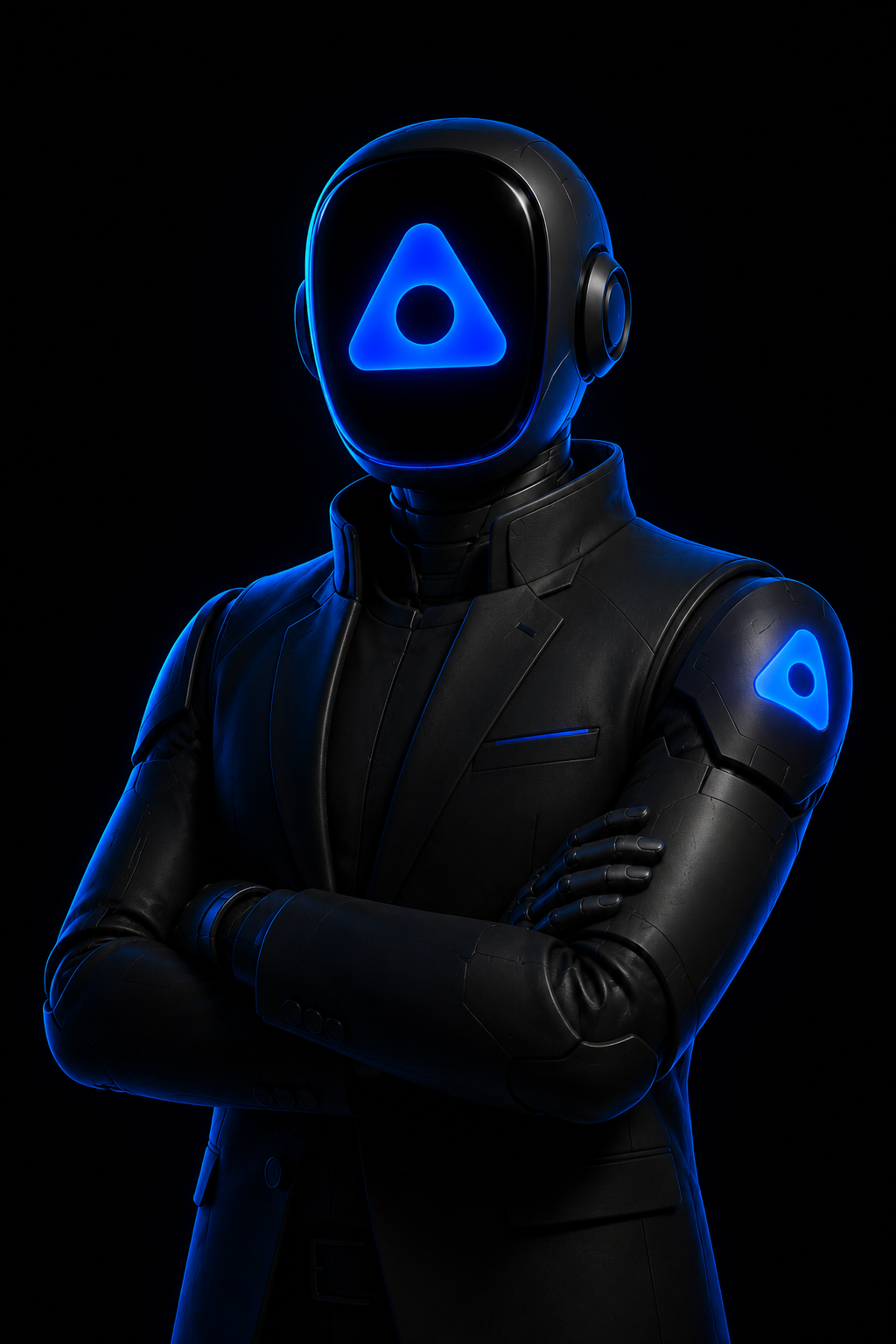
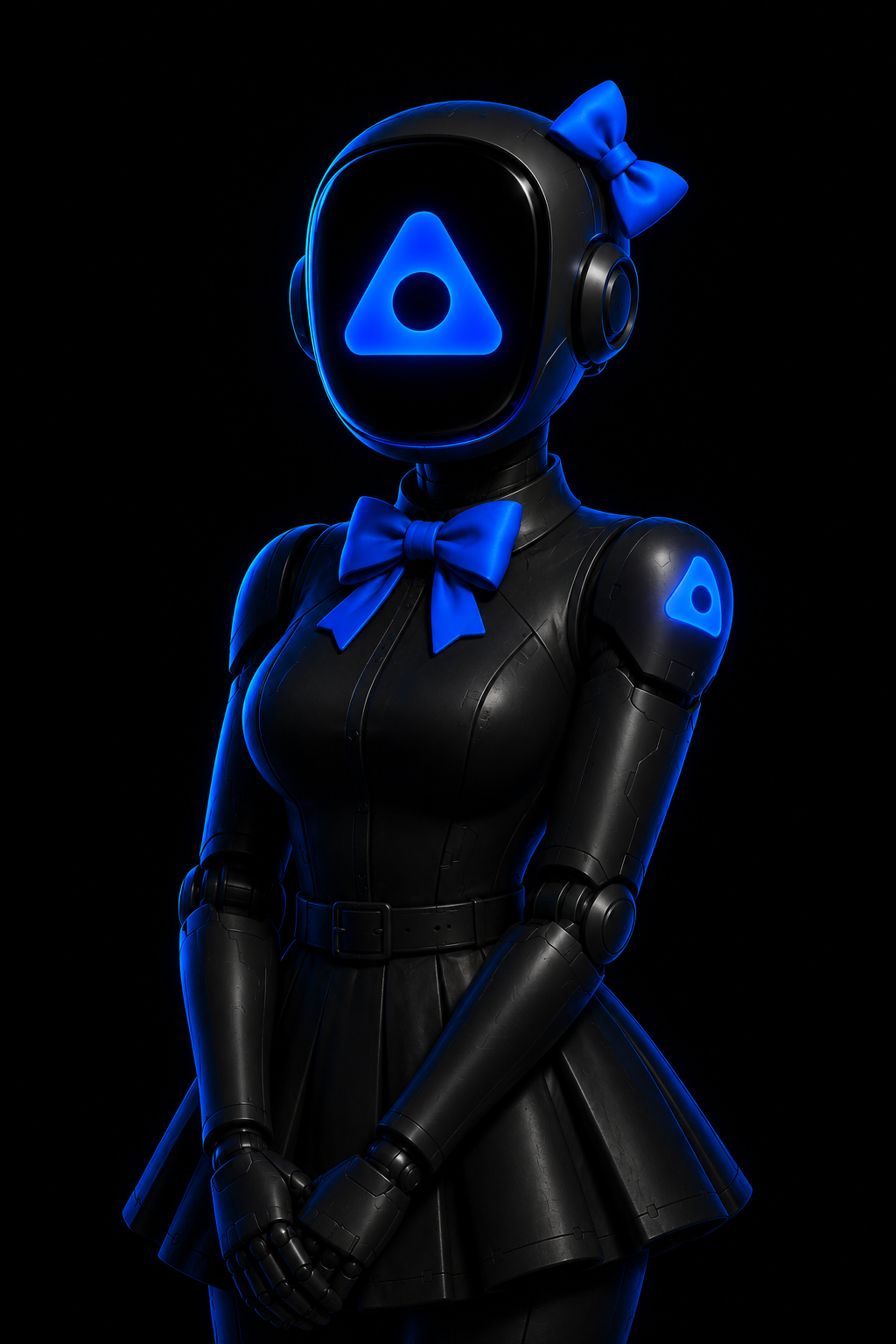
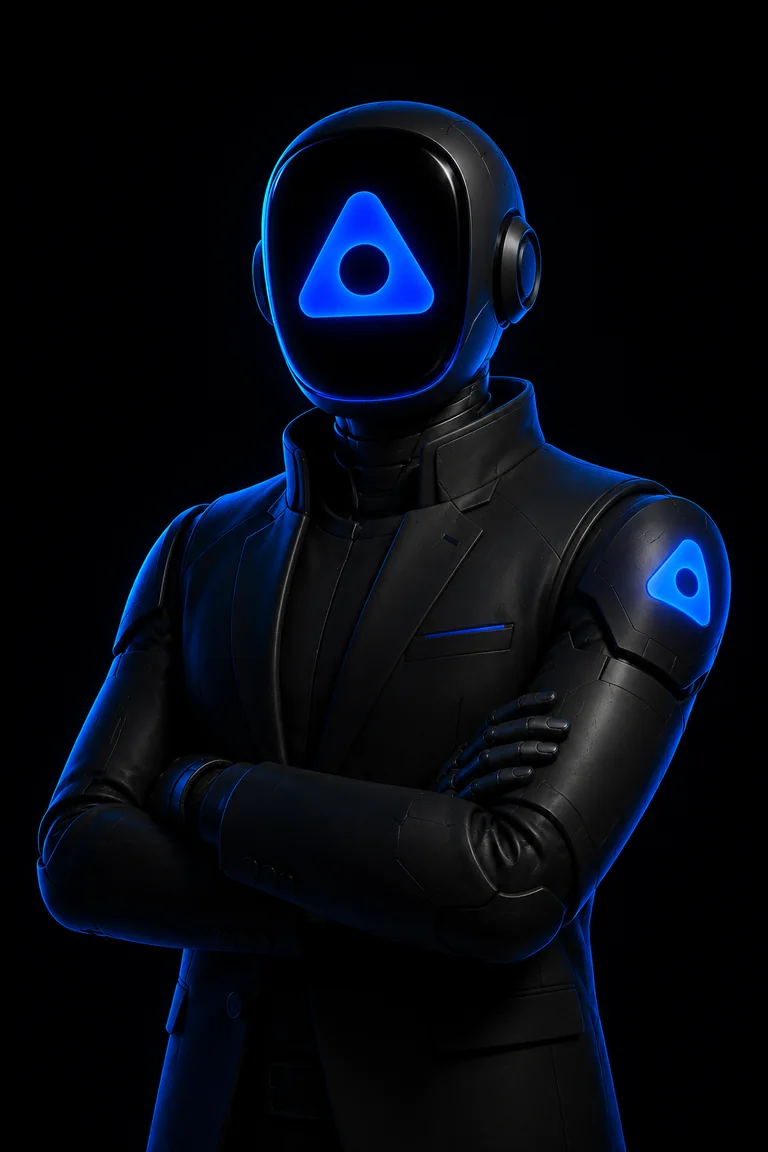
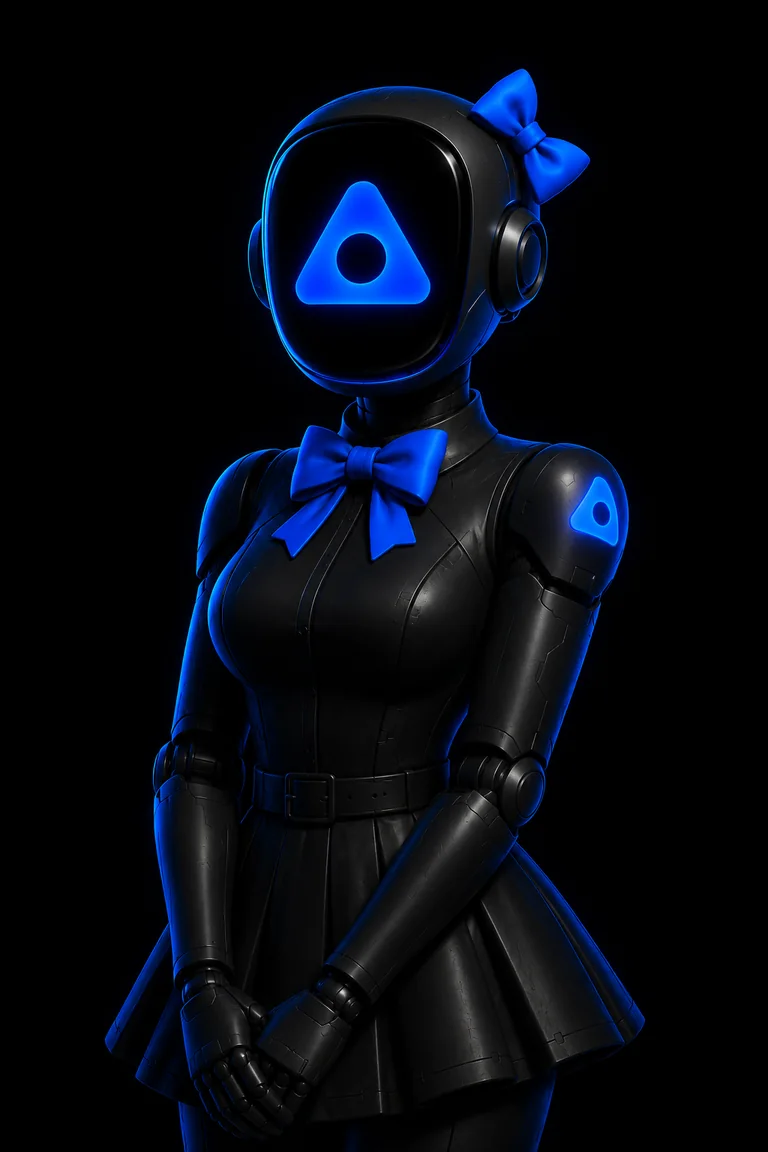
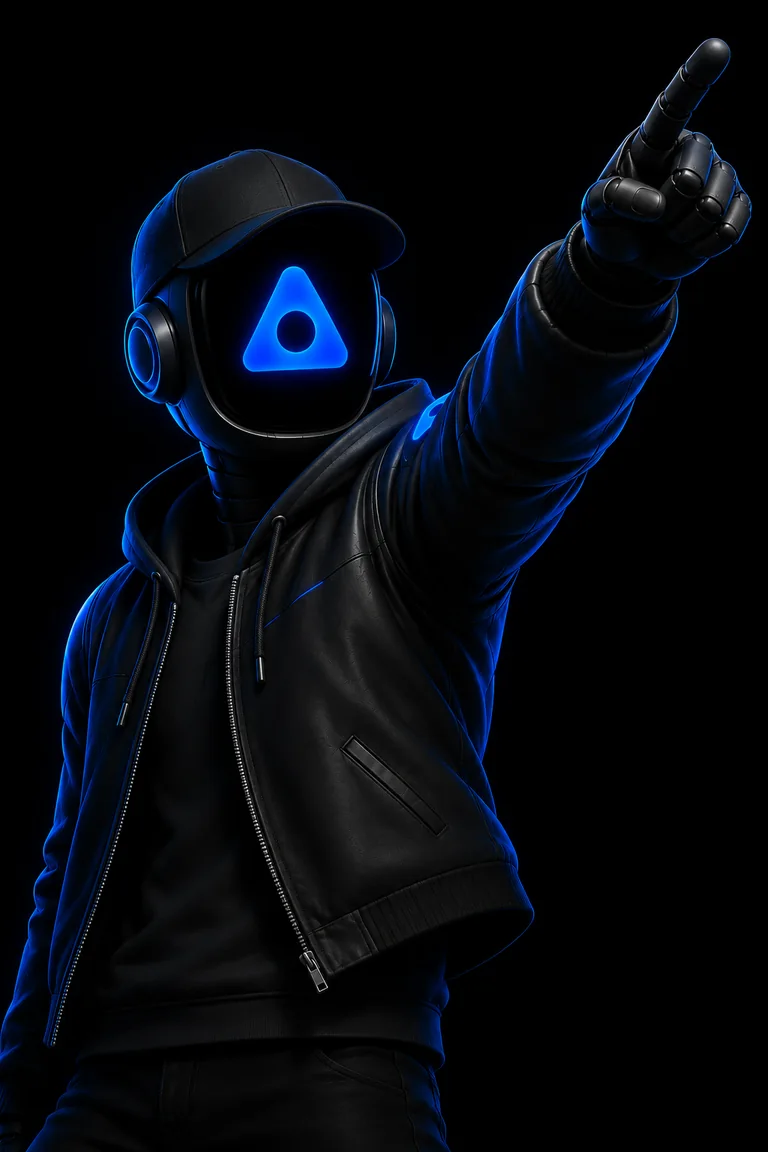
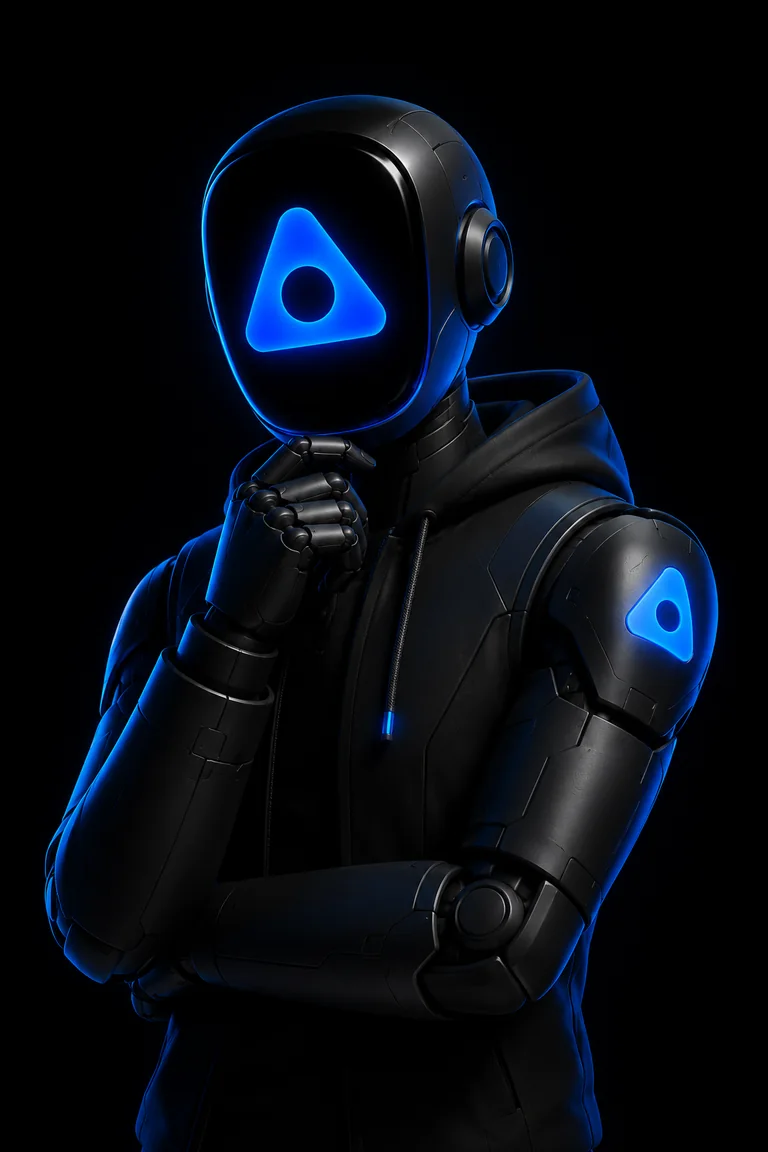
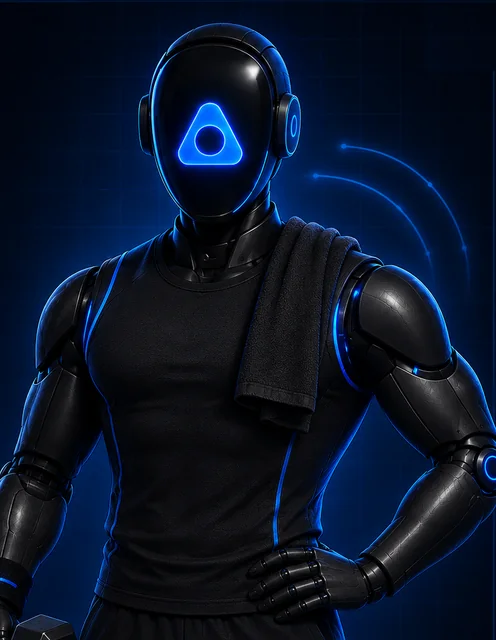
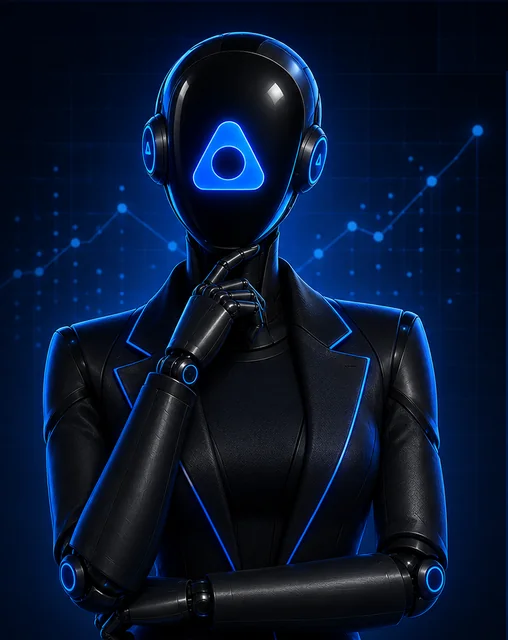
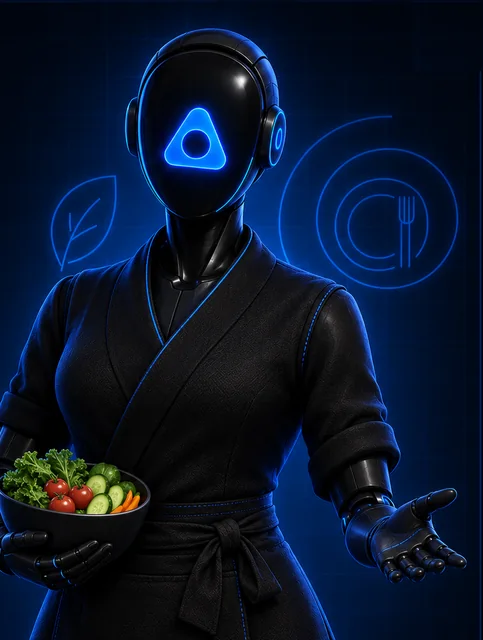
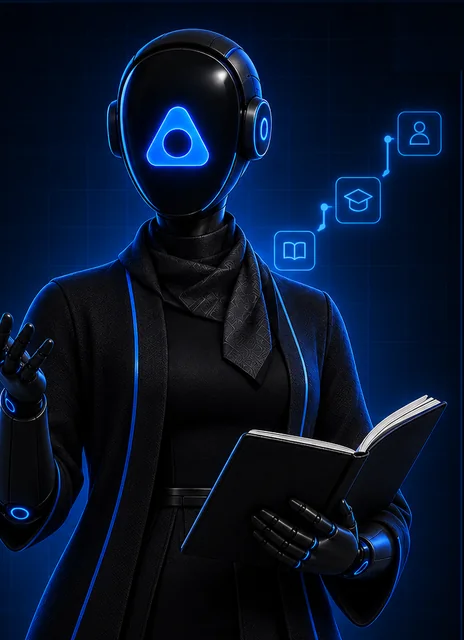
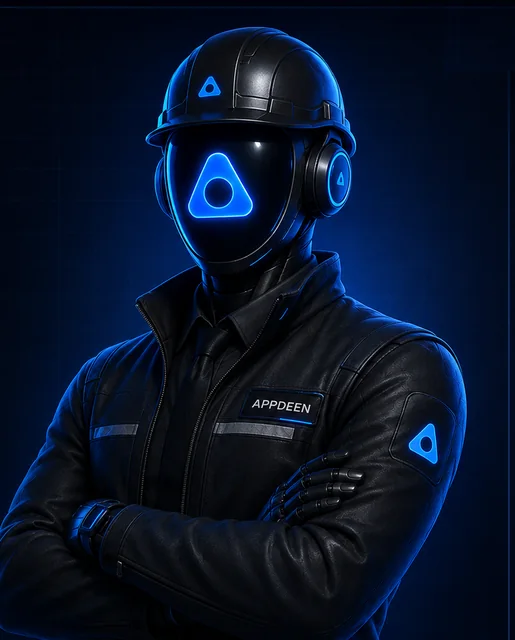
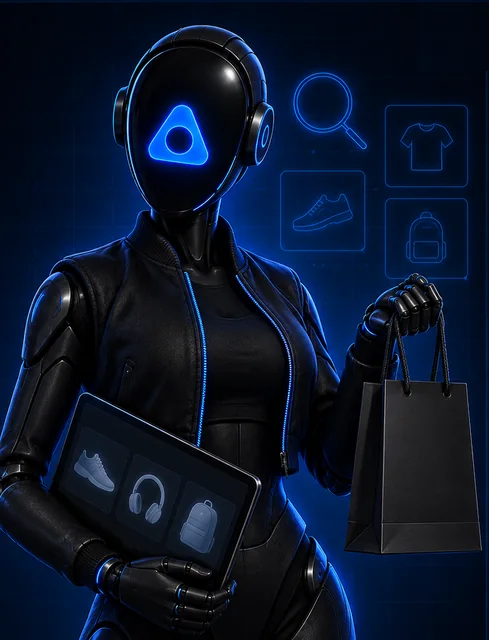
Every AI employee is a named character. Same body, same visor, a wardrobe that names the role. Mr. AppDeen leads them.
Anatomy
Five parts make a character read as AppDeen. Select a number.
- Visor markThe AppDeen mark glows in the visor, centred, in AppDeen Blue. Never another symbol or a face.
- Helmet and headphonesRounded glossy black helmet with over-ear headphones on both sides.
- Shoulder markA glowing mark patch on the character's left shoulder (viewer's right).
- Matte black bodySegmented robotic joints and panel lines. Wardrobe in black only.
- Blue rim lightLight from behind in AppDeen Blue. Pure black background. No other light colours.
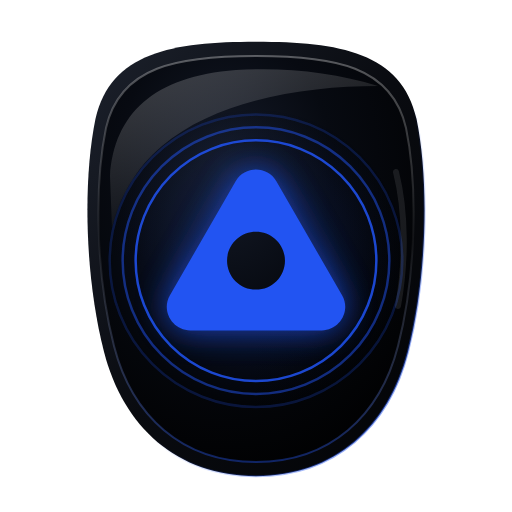
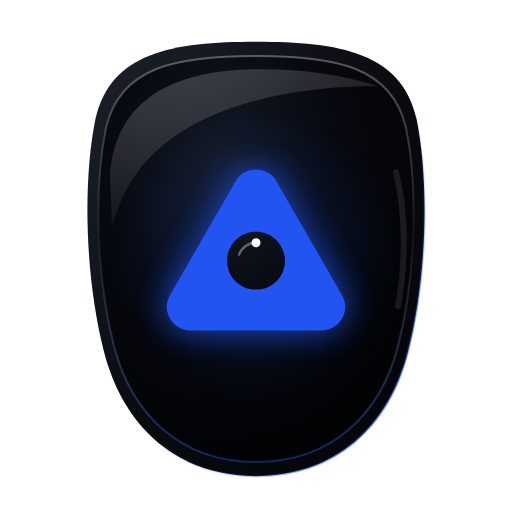
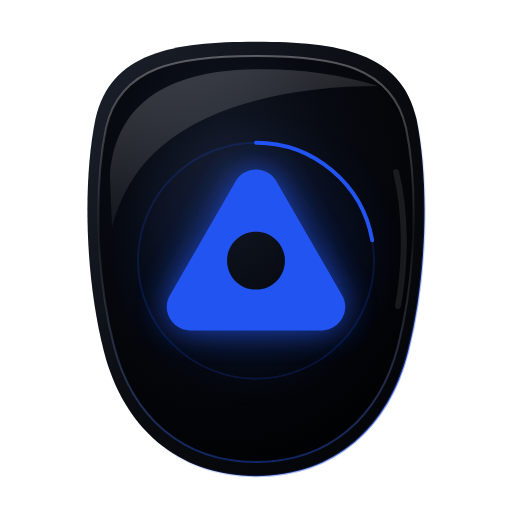
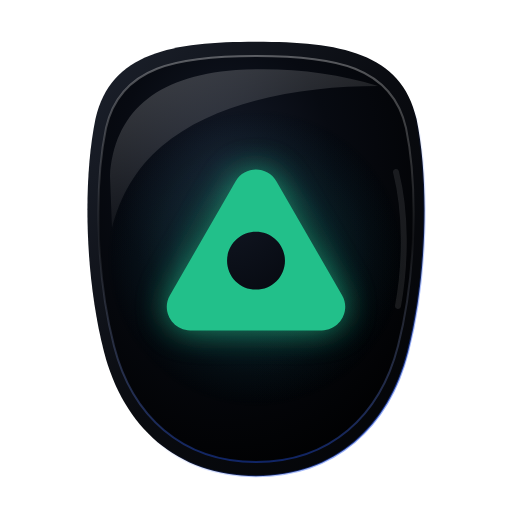
Visor states
One visor, seven states. The mark shows what the employee is doing right now. Show the state the product is in, never one for decoration.
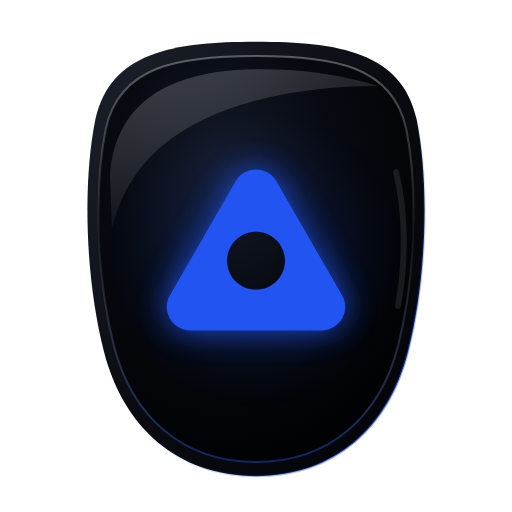
Idle
SVGPNG 512
The employee is on and free for the next task.
Listening
SVGPNG 512
A person is talking or typing to the employee.
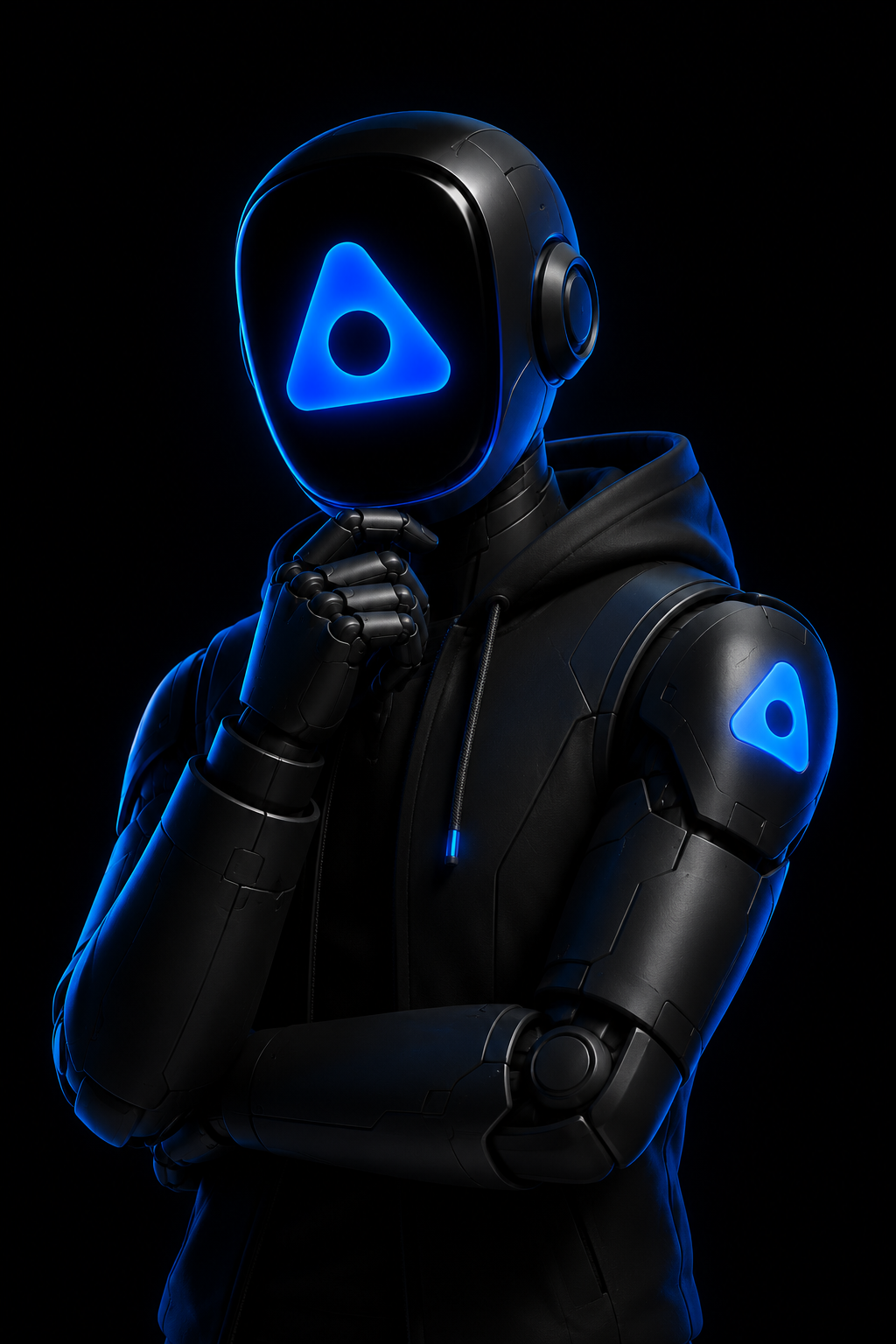
Thinking
SVGPNG 512
The employee is planning or reasoning before it acts.
Working
SVGPNG 512
The employee is doing the task. Keep it on until the task ends.

Needs approval
SVGPNG 512
The employee is waiting for a person before it sends, publishes or pays.
Done
SVGPNG 512
The task is finished. One green flash, then back to blue.
Offline
SVGPNG 512
The employee is switched off, paused or out of hours.
Rules
- Show one state at a time: the one the product is in.
- The mark stays AppDeen Blue. Amber means needs approval. Green means done. Nothing else.
- Use the files as they are. Never redraw the visor or put a face in it.
- Loops stop under reduced motion. The PNG still shows the state.
Build a new character
Follow every rule, then generate with the prompt below.
Name and role
First name plus role: “Salma, Executive Assistant”. Credits read “Salma AppDeen”.
Wardrobe names the role
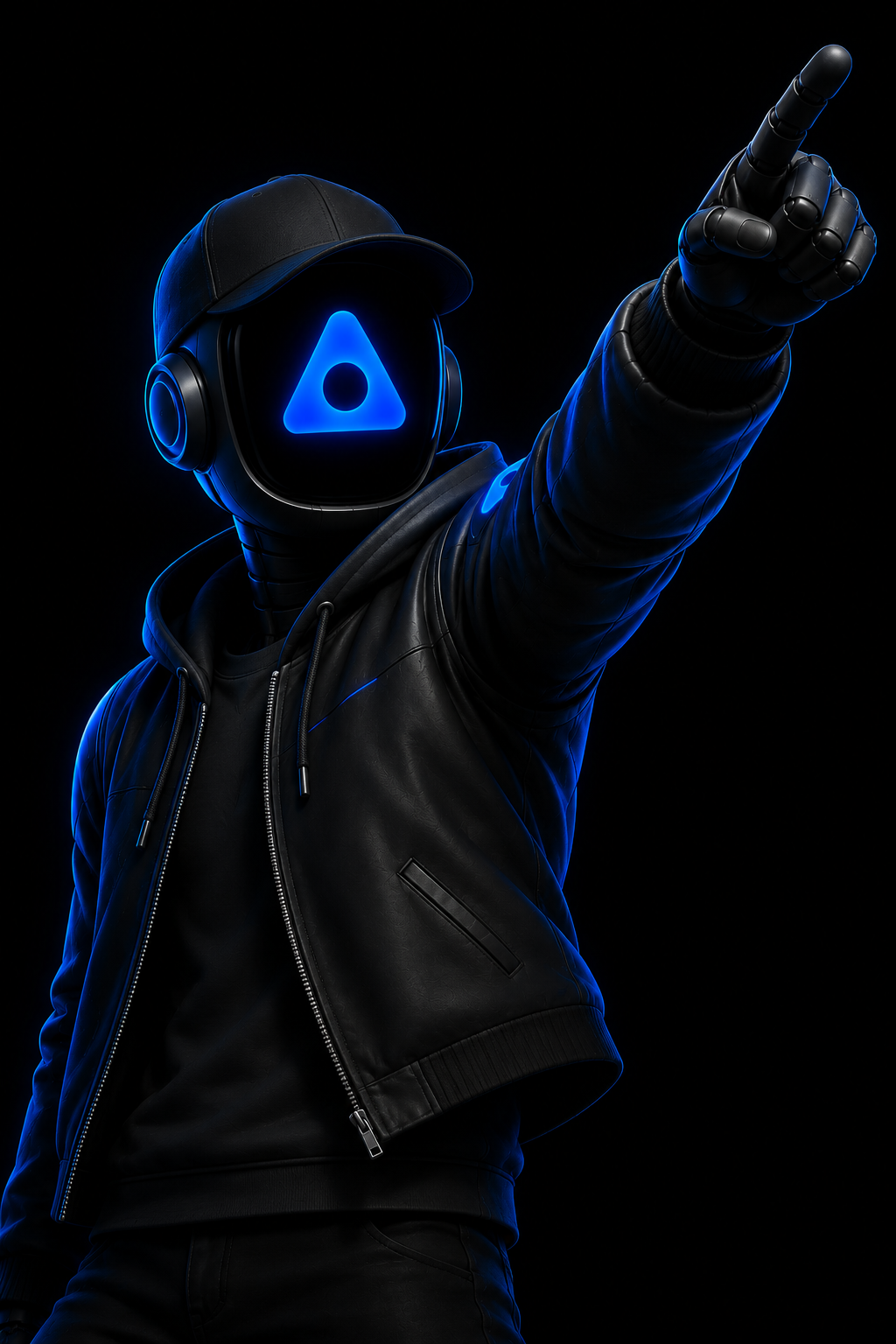
Suit leads, hoodie builds, cap and jacket markets, hard hat engineers. All black.
One blue accent
Blue appears as light, plus at most one accent piece (a bow, a trim line).
Props stay black
One prop that names the job. Food may keep its natural colour.
Professional proportions
Athletic, upright, confident. No exaggerated body shapes.
Frame
2:3 portrait, waist up, head in the top third, one character per image.
Background
Pure black #000000 for the master. Place on Void in UI.
Export
1024×1536 PNG master. 768×1152 WebP for the web.
Concept references
Characters in design. Use them as references for pose, wardrobe and props, not as published employees.
06
Components
Copy the markup, keep the classes. Every component reads from tokens.css and ships in components.css.
Buttons
One primary per view. Secondary for everything else. Text links end with an arrow.
Buttons on light
Wrap the section in ad-light. Primary stays blue.
Eyebrow and headline
Every section opens with an eyebrow, then the headline. The >>> is added by CSS.
How it works
From pick to productive in four steps.
Choose a trained employee, give it your knowledge, and let it work in a private workspace.
Glass navigation
Floating pill, 14px from the top, centred. Logo left, links centre, one primary action right.
Status chips
Three states for employees and features. Live pulses. Nothing else does.
Live · Available now
In training
Coming soon
Card
Panel gradient, 18px radius, a light that follows the cursor. Add the spotlight script from the Motion chapter.
Real channels
Lives where your customers are: WhatsApp, email, web chat, voice.
Human checkpoints
You decide what runs free and what waits for your one tap.
Form field
Mono label above, 48px input, blue focus ring. The placeholder is the only text allowed below full white.
Powered by AppDeen AI
Required in the footer of every client platform we build. Dark sites use the default, light sites add ad-powered--light.
Employee card
The profile card for every AI employee. Name, role, one-line promise, four skills, three verbs, one link. All text white.
Max
Head of Marketing
Has seen every campaign that broke through. Builds the demand and owns the voice.
- Campaigns
- Brand voice
- Google Ads
- Content
STORY · CAMPAIGN · REACH
Meet Max →
07
Templates
Ready documents for finance, legal, HR, clients, projects, stationery, marketing and print. Open one, click Edit and type on the page, or change all its data at once, then print to PDF. People and AI agents fill them the same way.
Before the first use
Set the company details once
Edit
templates/company.jsonwith the legal name, registration, tax and activity numbers, bank, IBAN and CliQ alias. Every template fills its [placeholders] from it.Print settings
Chrome or Edge, then Print, Save as PDF, Background graphics: On. Margins: None for one-page documents, Default for documents that run over pages, so page numbers print. The toolbar hint on each template says which. The template sets the paper size.
Jordan e-invoices
Since 1 April 2025 every invoice and credit note is cleared in JoFotara, which issues its QR code. Issue it there, then put the QR image URL in
jofotara.qr_image.Legal and HR templates
The agreements, NDA, offer letter and payslip are starting points, not legal or tax advice. Have your lawyer and accountant review them once, then reuse. A Jordanian lawyer should approve the Arabic text.
Numbering and file names
Numbers run in order per year and are never reused.
| Document | Number | PDF file name |
|---|---|---|
| Invoice, English or bilingual | INV-2026-0042 | AppDeen-AI_Invoice_INV-2026-0042_Client-Company.pdf |
| Credit note | CRN-2026-0003 | AppDeen-AI_Credit-note_CRN-2026-0003_Client-Company.pdf |
| Receipt | RCT-2026-0018 | AppDeen-AI_Receipt_RCT-2026-0018_Client-Company.pdf |
| Quotation | QUO-2026-0031 | AppDeen-AI_Quotation_QUO-2026-0031_Client-Company.pdf |
| Purchase order | PO-2026-0014 | AppDeen-AI_Purchase-order_PO-2026-0014_Supplier.pdf |
| Service agreement, English or bilingual | AGR-2026-0007 | AppDeen-AI_Agreement_AGR-2026-0007_Client-Company.pdf |
| NDA | NDA-2026-0011 | AppDeen-AI_NDA_NDA-2026-0011_Client-Company.pdf |
| Project timeline | PLN-2026-0012 | AppDeen-AI_Timeline_PLN-2026-0012_Client-Company.pdf |
| Monthly report | RPT-2026-10 | AppDeen-AI_Report_RPT-2026-10_Client-Company.pdf |
| Onboarding pack | ONB-2026-0009 | AppDeen-AI_Onboarding_ONB-2026-0009_Client-Company.pdf |
| Meeting notes | MTG-2026-0045 | AppDeen-AI_Meeting-notes_MTG-2026-0045.pdf |
| Letter | LTR-2026-0009 | AppDeen-AI_Letter_LTR-2026-0009.pdf |
| Offer letter | OFR-2026-0012 | AppDeen-AI_Offer-letter_OFR-2026-0012_Name.pdf |
| Payslip | PAY-2026-10-AD-014 | AppDeen-AI_Payslip_PAY-2026-10-AD-014_Name.pdf |
| Certificate | CERT-2026-00123 | AppDeen-AI_Certificate_CERT-2026-00123_Name.pdf |
08
Motion
One cinematic moment per page, then calm. Entrances ease out, hovers answer fast, and everything respects reduced motion. Videos open and close with the logo sting.
Easing
Two curves. Press play to compare.
Ease out · --ad-ease-out
Entrances, reveals, hovers. cubic-bezier(.2,.7,.2,1)
Ease in-out · --ad-ease-in-out
Things that move across the screen. cubic-bezier(.65,0,.35,1)
Duration
Bars to scale.
Patterns
Six patterns cover everything. Copy the code from each.
Sharper every month.
Character revealHeadlines. 16ms per letter.
Rise inSections and cards. 60ms stagger, max 5.
Lift and glowPrimary actions. 2px up, blue glow.
Move over me
SpotlightCards. Light follows the cursor.
Living markHero only. WebGL, steered by the cursor.
JSScroll ↓ from the top
The hero mark scales 7× into its own hole while the headline fades. You fall through it into the page, as on appdeen.ai.
Try it at the top ↑Dive throughHero exit. Tied to scroll, no timers.
Logo sting and sonic logo
Four seconds. The mark wakes on three tones, then the wordmark rises into the stacked lockup. Use it to open or close a video.
Sonic logo3.1 s. Three tones, D, A and E, then a breath into the hole. Tones at 0.06, 0.39 and 0.76 s.
MP3WAV 48 kHz
Chime0.8 s. Two of the three tones. For product notifications only.
MP3WAV 48 kHz
Use the sting right
- Use the sting at the start or the end of a video. Nowhere else.
- Never put it under speech. Nobody talks while it plays.
- Never re-time, re-cut or recolour it. Use the files as they are.
- Play it with the sonic logo or with silence. No other music or sound.
Rules
- One cinematic moment per page: the hero. Everything after it is calm.
- Entrances: ease out, 600ms. Hovers: 160ms. Large moves: ease in-out, 900ms.
- Never animate text that is already readable. Reveal it once, then leave it.
- Respect
prefers-reduced-motion: show the end state, stop loops, keep the WebGL mark still. - Pause WebGL when it leaves the screen.
- No bounce, no spin, no parallax on text.
09
Voice & naming
Plain, confident, specific. Short sentences. Numbers over adjectives. Honest about what is live and what is coming.
Tagline · use exactly as written
We don’t rent agents. We rent experience.
Write the name
Write
AppDeen AI
AppDeen (second mention)
Salma, Executive Assistant
Max AppDeen (credits)
Never write
Appdeen AI
App Deen
APPDEEN AI
AppDeen.ai (in a sentence)
Words
| Use | Instead of | Example |
|---|---|---|
| AI employee | bot, assistant, tool, agent | Rent a trained AI employee. |
| Trained | configured, set up | Trained by senior experts. |
| Private workspace | instance, tenant | Works in a private workspace that is yours alone. |
| Talk to us | Contact sales, Book a demo | Primary call to action. |
| Live · In training · Coming soon | beta, alpha, WIP | Status of an employee or feature. |
Two voices
Human voice · DM Sans
She remembers every correction, every preference, every Tuesday.
Anything read as a sentence: headlines, paragraphs, buttons.
Machine voice · Space Mono
Schedule · Inbox · Coordinate
Labels, tags, status, data readouts, verbs on cards.
Message templates
WhatsApp and email. Short, specific, one action. Replace the [brackets].
Confidentiality
- Never name a client, client project or partner in public material without written approval from AppDeen AI.
- Never name the AI model or provider behind an employee. Credit the employee.
- Mark integrations and features honestly as Live, In training or Coming soon.
10
AI agents
Any AI agent can produce on-brand work from one link. Give it the brief below, or point it at the llms.txt file. It reads the rules, the tokens and the templates on its own.
Point any agent herebrand.appdeen.ai/llms.txtOpen ↗brand.md ↗
What agents read
| File | What it holds |
|---|---|
| /llms.txt | Index for AI agents: what AppDeen AI is and where every rule, token, logo and template lives. |
| /brand.md | Every rule on this site as one Markdown file, written as instructions. |
| /assets/brand/tokens.json | Colours, type, spacing, radius and motion in W3C design-token format. |
| /templates/<name>.json | The data shape for each template. Agents fill it and keep every key. |
| /templates/<name>.html | The renderer. Opens with ?data= base64url JSON and prints to PDF. |
Fill a template from code
Fetch the JSON, change values, open the link, print.
Brand checker
Paste HTML, CSS or copy. It flags off-palette colours, light blue, grey text colours, other fonts and misspelled names.
11
Tokens & downloads
The same system in four formats. Pick the one your stack uses.
AppDeen AI brand kit
Every file on this page in one download, with a README for your team.
Download kit · 11.8 MB- 23document templates
- 22logo SVGs
- 21logo PNGs
- 10icon files
- 7visor states
- 2logo sting videos
- 2sonic logo sounds
- 5code files
- 2AI-agent files